3 minute read | Last update: December 19, 2025
Summarize with AI


As easy as it can be to work with PDFs, sometimes you open one, try to edit it and realize you can’t. So why can’t you edit a PDF, and what problem-solving can you do before you can properly access the document to edit it?
The reasons can run the gamut from using the wrong software to passwords, but the good news is that it’s often easy to solve these problems. A good, reliable PDF editor can help you with most of your needs. But for those times when you can’t quite figure out what needs to happen, we’ve put together this guide.
Table of Contents
▼
Table of Contents
▼Common Reasons Why You Can't Edit Your PDF Document
There’s no single reason why a PDF can't be edited. Often, you’ll have to try to look at a few different potential problems before you find the right one.
To help make it easier for you to problem-solve, here are a few of the most common issues you may come across when trying to edit a PDF:
- It’s outdated. Sometimes PDFs were created using programs or contain file attributes that no longer exist.
- No permission. If the file doesn’t have editing enabled or is otherwise locked, you can’t edit or change the document.
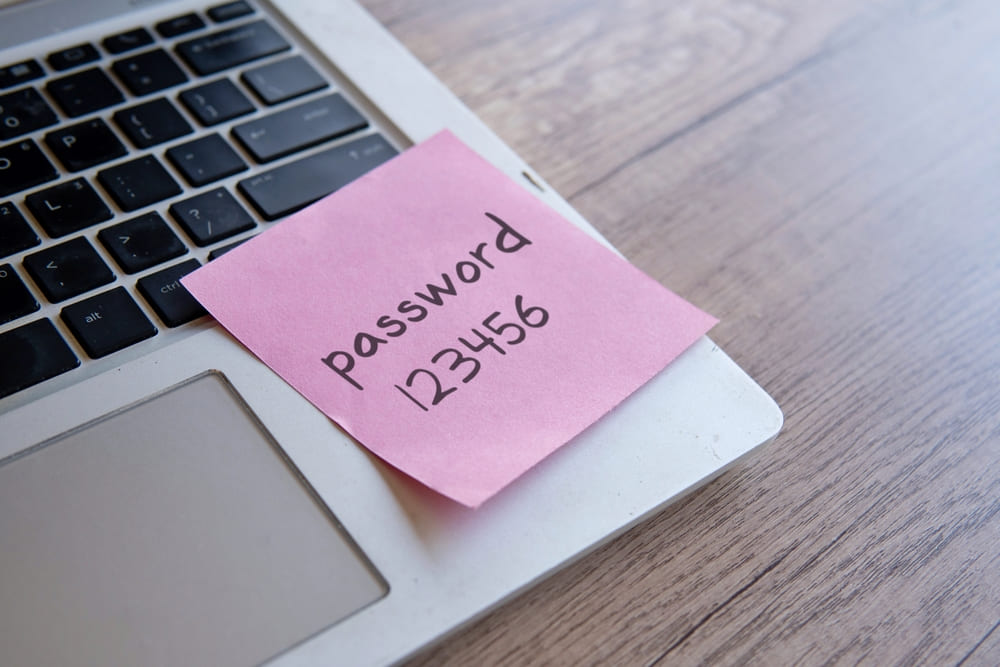
- It’s got a password. For security reasons, some PDFs have passwords. Without the password, you can’t access the file to edit it.
- Using the wrong program. It’s easy to think you’re using a PDF editor, but it turns out you’re only using a reader.
How to Solve Common PDF Editing Issues
It can be frustrating when you’re trying to edit a PDF, but you can’t. Luckily, there are easy solutions to a lot of the most frequent problems.
Let’s break down how to solve some of the most common issues you’ll encounter:
- Locked. Locked PDFs can only be edited after using an online tool to flatten the PDF.
- Password. If you don’t know the password, you have to use an online tool to unlock the PDF before you can edit it.
- Scanned. You need to use Optical Character Recognition (OCR) to convert the file into a Word document before you can edit it.
- Reader. To make edits, switch to an editor.
How to Make a PDF Editable Through File Conversion
The good news is that it’s pretty easy to edit a PDF when you’ve got the right tools. Our PDF to Word converter allows you to quickly transform a PDF into an editable Word document, so you can make any edits you need.
Here’s how it works:
-
 Find a tool. The important first step is to find a reliable tool to use. We’ve got a great one that can help with the task.
-
 Upload. Add your file to the tool and select the “Convert” option.
-
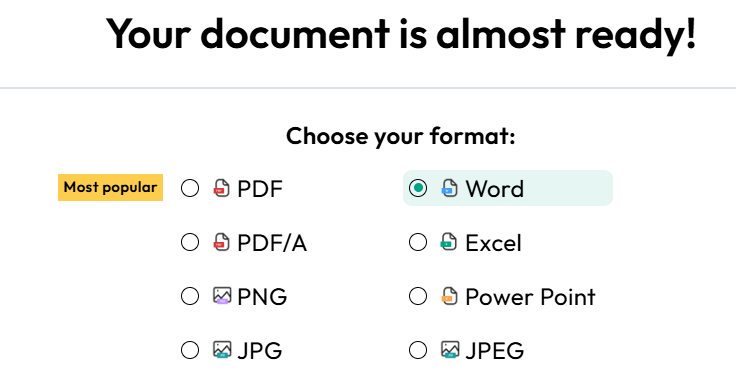
 Choose a format. Pick “Word” from the list of options in the tool to convert the PDF to a Word doc.
-
 Download. Once the process is complete, you can download the file to your computer to make any edits you need.
If you need to convert the file back to a PDF once you’re done editing it, you can use our convenient tool.
Why Is It Important to Have an Editable PDF?
Editable PDFs unlock the full potential of PDFs. You get a document that can maintain formatting across most systems and platforms that can also be changed.
It increases the usefulness of PDFs and makes it adaptable for use by students who may need to change assignments before submitting them, small business owners who have templated documents they need to update, and it even makes it easier to collaborate on a range of projects (like for school or work) remotely.
FAQs about Fixing PDF Editing Problems
The PDF looks like text, but I can't select or change it. What's wrong?
Toggle faqs
There are two likely answers here: You’re either working with an image file, like a JPG, that has been turned into a PDF, or the document has been scanned. Either way, the solution is to use OCR to convert the file into an editable document.
Why can’t I edit my PDF after saving?
Toggle faqs
There’s a good chance that the PDF was saved in a way that either locked the file or was saved as read-only. Both of these can be undone using an online tool that unlocks PDFs.
How do I Allow Text Editing on a PDF?
Toggle faqs
The quickest way, assuming the file isn’t plagued by one of the common problems mentioned above, is to use a PDF editing tool.
Share this article